
Every vehicle scoped. Every approval in writing.
Walk the vehicle, talk the work, and Smart Scope turns it into priced line items — brakes, tires, PM services — from your own labor rates and parts pricing, with a signable quote ready before the truck leaves the bay.
Six reasons shops run on Smart Scope
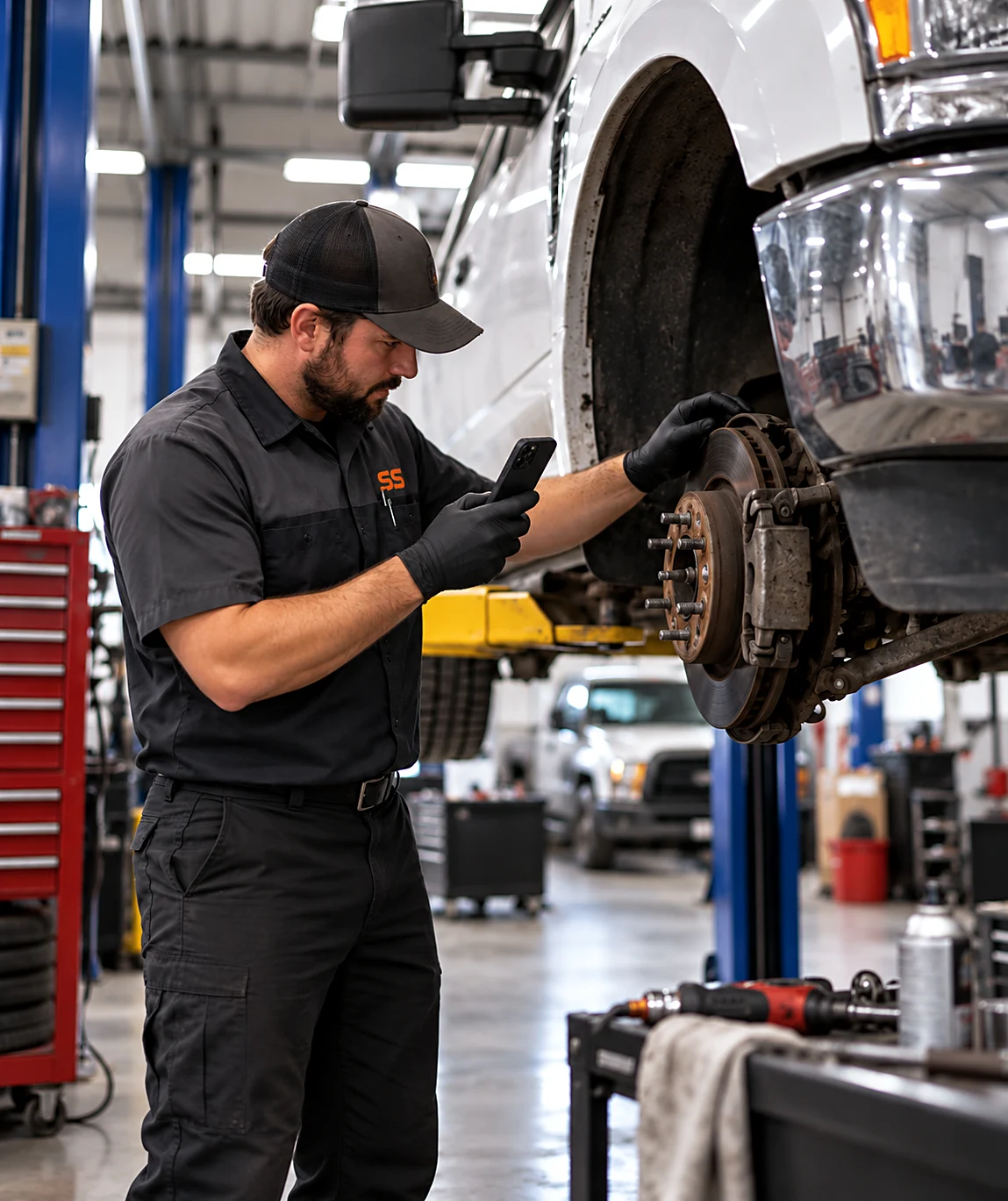
Photos back up every finding
Capture the VIN, the mileage, and the wear you found — every inspection photo lands on the line item it backs up.
Your labor rate, your parts pricing
Brakes, batteries, or a full PM service — every job prices from your own price book, not national averages.
Say it, don't type it
Talk through pads, rotors, and the weak battery while you inspect; it all lands as priced line items.
Required, recommended, deferred — one quote
Good-better-best puts must-do work next to “recommended, not required today,” so the customer decides without a callback.
Approvals before wrenches turn
Send the quote, collect the e-signature, and start the work with the approval on record — not a verbal okay.
Margin per vehicle, not per guess
See cost, price, and margin on every line before you hit send.
From inspection to approved work order in three steps
Inspect the vehicle
Capture VIN and mileage, photograph the wear, and talk through what the vehicle needs as you go.
AI drafts the quote
Pads, rotors, fluids, and tires become priced line items from your own labor rates and parts pricing.
Send, sign, get paid
Text the quote, collect the signature, and start the work the same day — approval on record.
Three real vehicles, timed
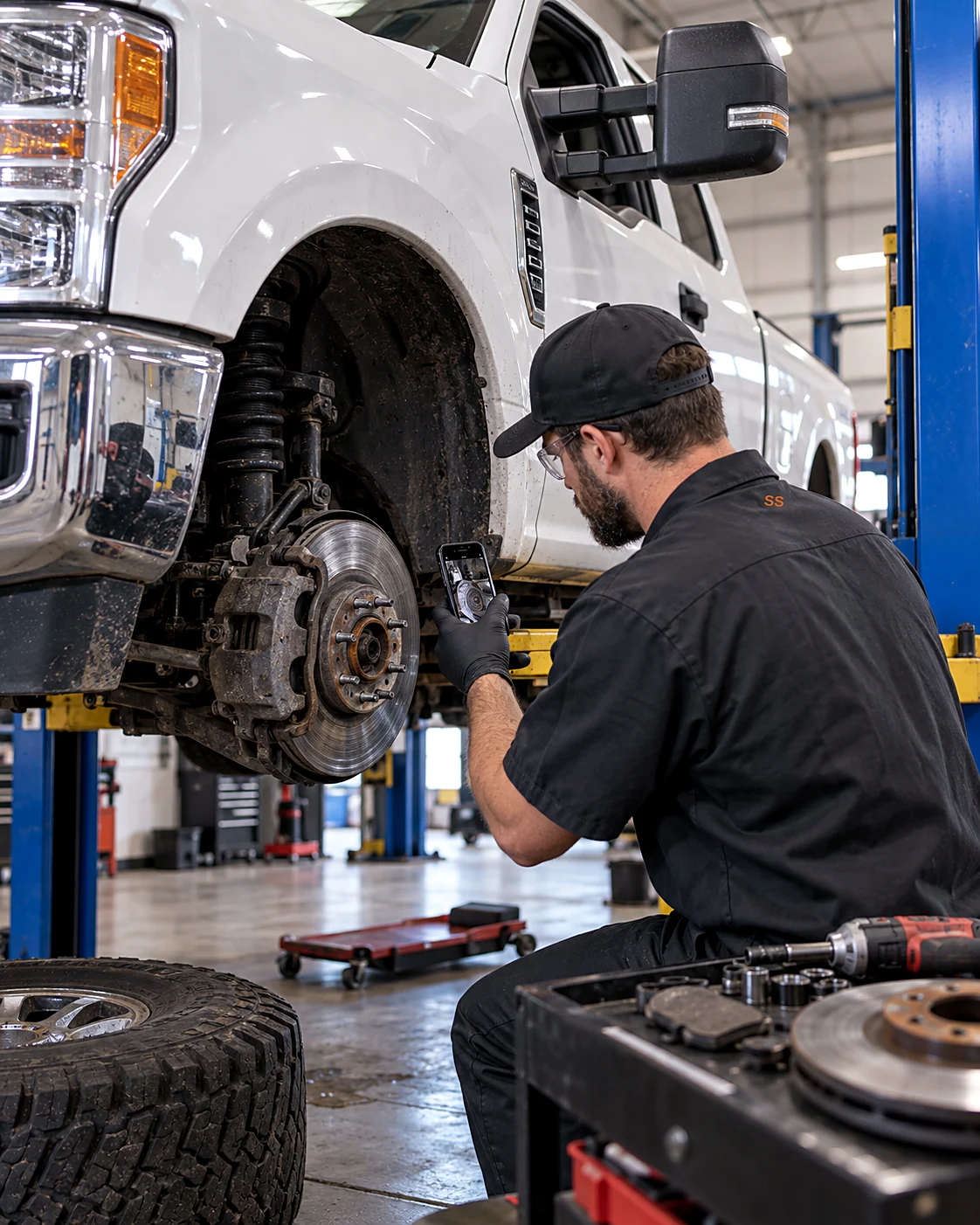
Front brakes on a fleet F-250
“Front brake pads and rotors on the F-250 — pads are down to the wear bars, rotors are scored. Add a 42-point inspection while it’s on the lift.”
A per-vehicle quote with “Front brake pads & rotors — F-250” and “Multi-point inspection — 42 points” as separate lines — ready before it’s off the lift.
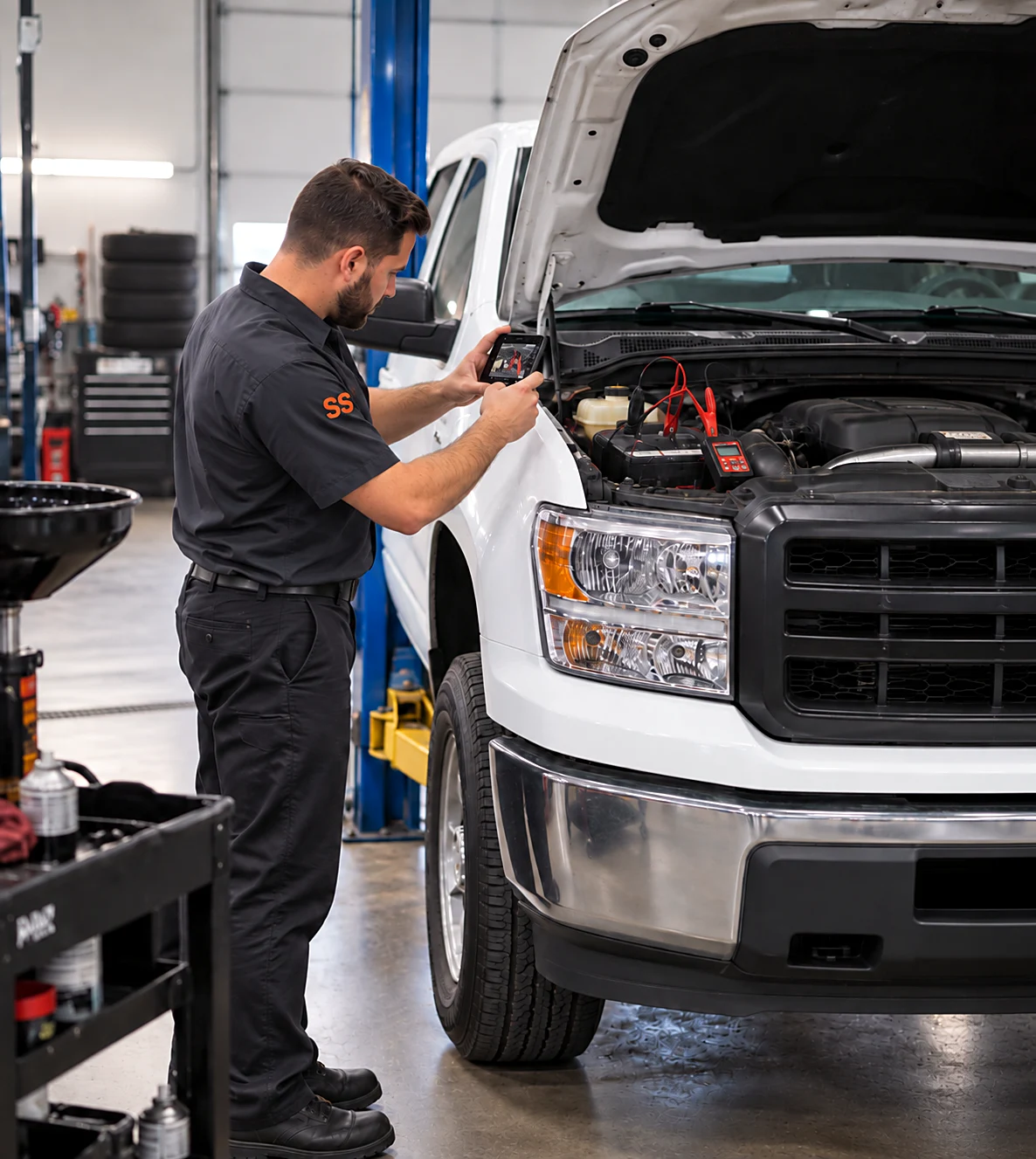
5,000-mile PM plus a weak battery
“5,000-mile PM service — oil, filter, four-tire rotation — and the battery tested weak, so add a group 65 replacement.”
The PM priced from your book with “Battery replacement — group 65” appended to the same per-visit quote.
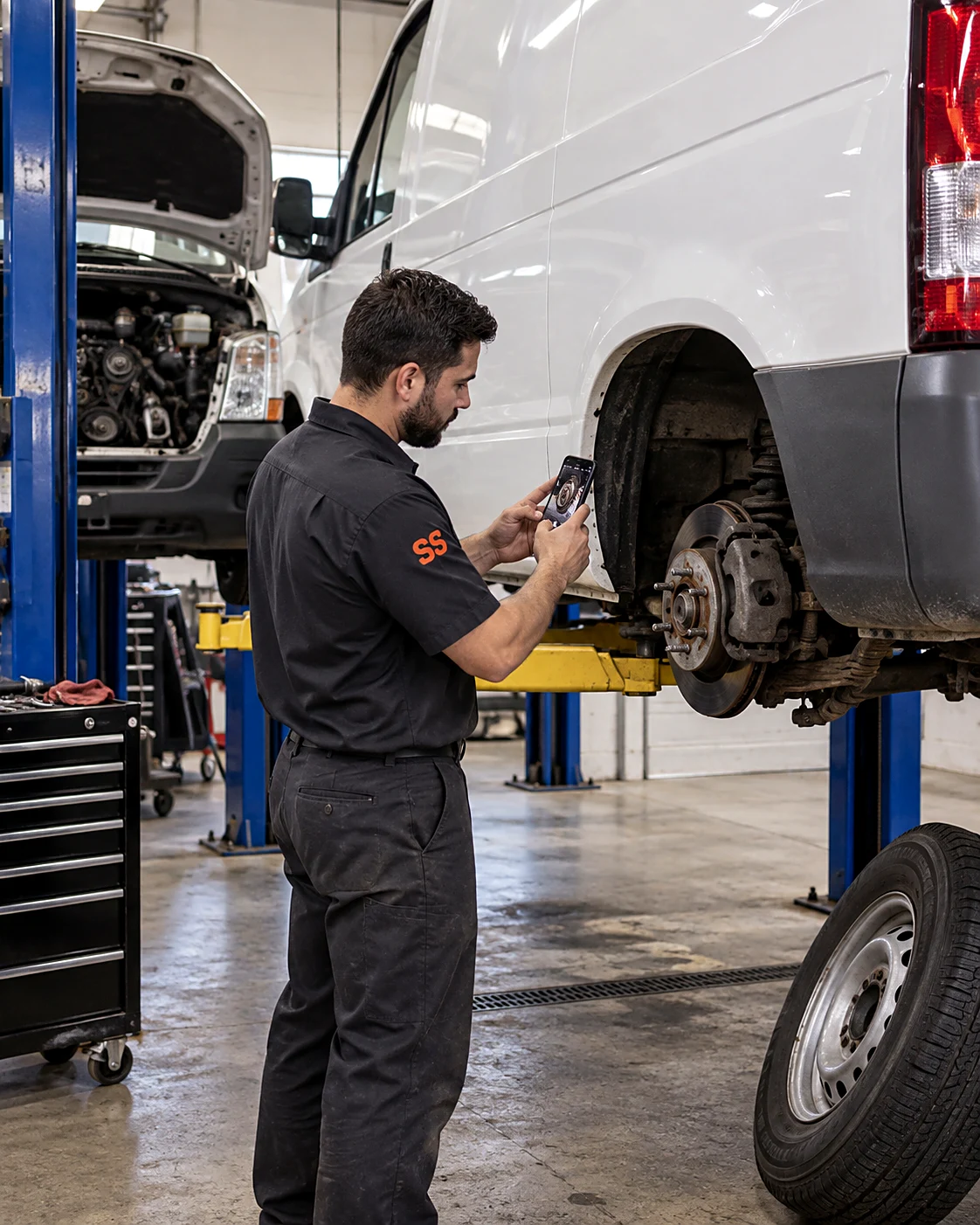
Deferred-work follow-up
“Pull up what we deferred on this van last visit — rear pads and the serpentine belt — and quote both with today’s inspection.”
Last visit’s deferred items priced next to today’s findings — recommended, not required today — approved in one signature.
One vehicle record runs the whole visit
Inspect it
Capture VIN, mileage, and photos once. Every finding lives on its own line item from the first walkaround — with the evidence attached.
Quote it
The quote prices every line from your book — your labor rate, your parts pricing, margin visible — and reaches the customer before the vehicle is off the lift.
Approve it
The customer approves in writing — required work now, recommended work noted — so wrenches turn against a signature, not a phone call.
Service it
The bay runs off the same approved list, and the visit closes with margin tracked per vehicle — deferred items saved for the next one.
Learn the app on 100 sample vehicles first.
Browse 100 sample maintenance jobs — fleet PM services, brake jobs, tire rotations, battery replacements, and multi-point inspections. Every scope includes tagged line items, an activity trail, and a financial breakdown with margin. Requote them, drag them between stages, delete them — real jobs stay untouched.
Two more ways to win the bay.
Site Walk
Narrate the inspection
Talk the vehicle as you walk it — brakes, tires, what can wait — and the whole scoped estimate writes itself.
See Site Walk →
EyesOn
Show the shop the problem
Live video from the bay to the service desk — confirm a finding or an approval question without a second look.
See EyesOn →
Vehicle maintenance questions, answered
Can it price per vehicle for a whole fleet?
Yes — every vehicle gets its own scope with VIN and mileage captured, priced per visit from your own labor rates and parts pricing, so a ten-truck PM program is ten clean quotes instead of one blurry one, with margin visible on each before you send.
Can I attach inspection photos to the estimate?
Every photo from the multi-point inspection rides with the line item it supports — the worn pad, the cracked belt, the weak battery test — so the customer approves what they can see, and the evidence stays on the job record for good.
How do customers approve recommended work?
The quote separates required work from “recommended, not required today.” The customer e-signs from a web link on any device — no app needed — and the approval, along with anything they declined, is stamped into the job’s activity history.
What does Smart Scope cost?
One subscription with everything included. See current plans on the pricing section of our home page, or download the app and take a look for yourself.
Does it work where there's no signal?
Capture doesn't need one. Site Walk notes, photos, form filling, and nameplate scanning all work offline — steel buildings, service pits, and dead corners of the lot included — and sync when you're back in coverage. AI drafting runs when you have a connection, so inspect the vehicle dark and let the quote build while you write up the next one.
Is there an Android version?
Smart Scope runs on iPhone and iPad today; Android is on the roadmap. Your customers don't need the app at all — estimates, forms, and the portal open as web links on any device.
Does it replace my dispatch or routing software?
No — and it doesn't try. Smart Scope is the estimating layer: it wins the job, then syncs the scope straight to Smart Service, with webhooks to push your data anywhere else. Your dispatch board and routing stack stay right where they are.
Can my crew use it too?
It's built for the person doing the estimating, but it doesn't stop there — dispatch scopes to other users, put EyesOn live video in every tech's hand, and let the office follow along on Command OPS.
What does it cost to try?
Nothing — 45 days, full app, no credit card. When the trial ends you're never auto-charged; the app goes view-only until you decide, and your data stays yours to export.
Does it track what was deferred last visit?
Deferred items stay on the vehicle’s history. Next visit you pull them up, requote them at current pricing from your book, and put them in front of the customer again — nothing recommended falls through the cracks.
Quote the work before the vehicle is off the lift.
Get Smart Scope on the App Store or text SCOPE to 59232 — and turn the next inspection into an approved work order.