
Site walk in the morning, signed bid by the afternoon
Foundations, framing packages, flatwork, and sub bids to builders — work that's won or lost on how fast a real number lands. Smart Scope turns site photos and a spoken scope into a per-square-foot, per-phase bid priced from your own cost book.
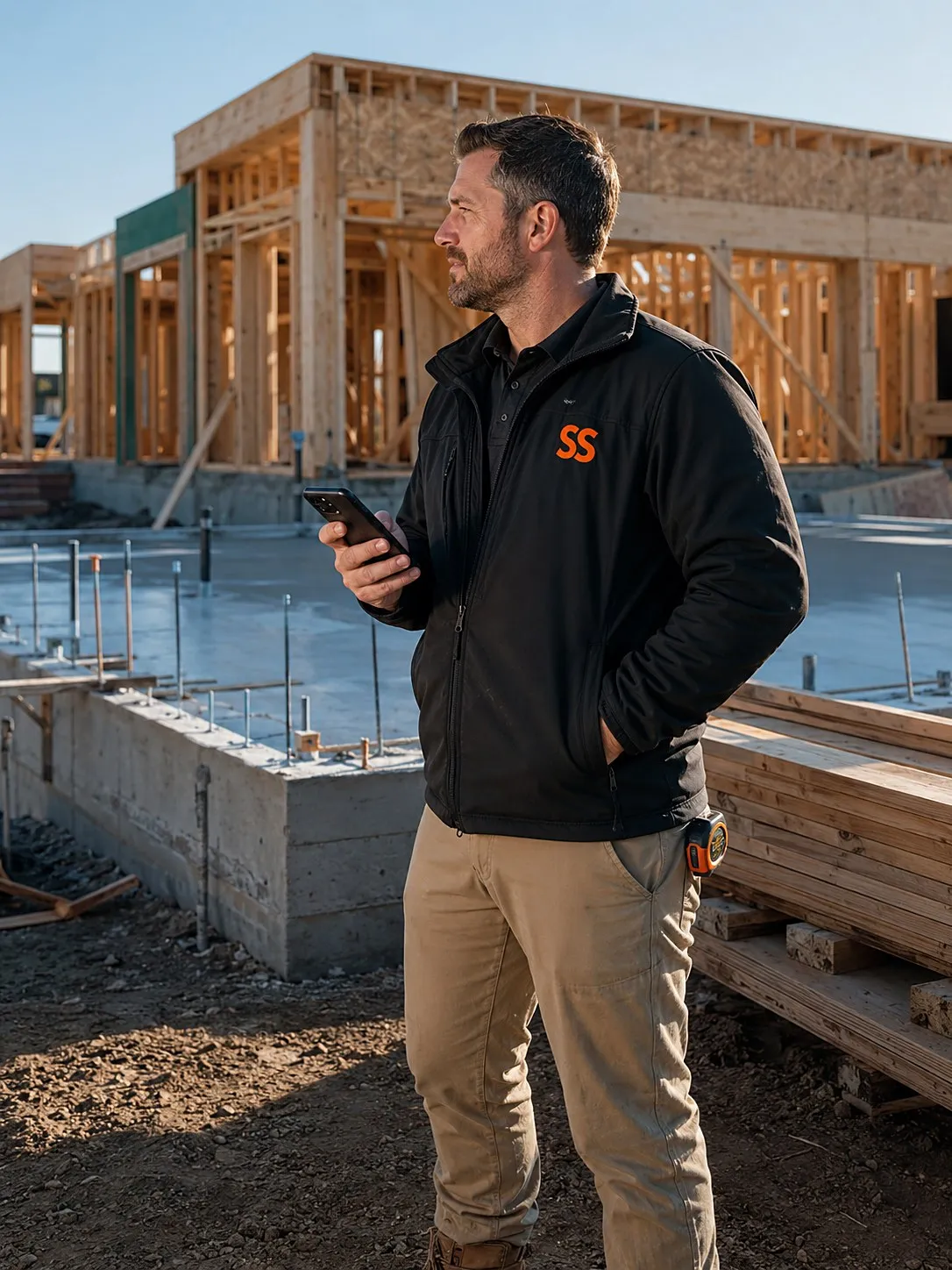
Why the fastest real number usually wins
Site photos become takeoffs
Shoot the lot, the forms, the framing — the AI reads conditions from your photos and drafts the line items you'd have penciled out on the tailgate.
Your unit costs, not book averages
Flatwork per square foot, footings per lineal foot, framing per square — every bid prices from what you actually charge in your market, not a national average.
Talk the scope like you're on the phone
Say it plain — “forty-by-sixty slab, four inch, fiber mesh, two saw cuts” — and it lands as priced line items on a branded proposal.
Same-day numbers win builder work
GCs award the subs who answer first with a real number. Text a line-item bid from the site while the other subs are still promising something by Friday.
Draws and deposits, collected in-app
Get the mobilization deposit signed and paid before you schedule the crew — and collect phase draws without chasing checks across town.
Margin by phase, not just by job
See where the money actually gets made — the flatwork or the framing — so you can chase more of the work that pays and stop underbidding the rest.
From dirt to signed contract in three steps
Shoot the site
Photograph the lot, grades, access, and existing conditions during your walk.
Say the numbers
Talk through phases and quantities out loud — square footage, yardage, lineal feet — priced from your cost book.
Send and sign
The builder or homeowner signs digitally and the mobilization payment hits before you leave.
Three bids from real site walks
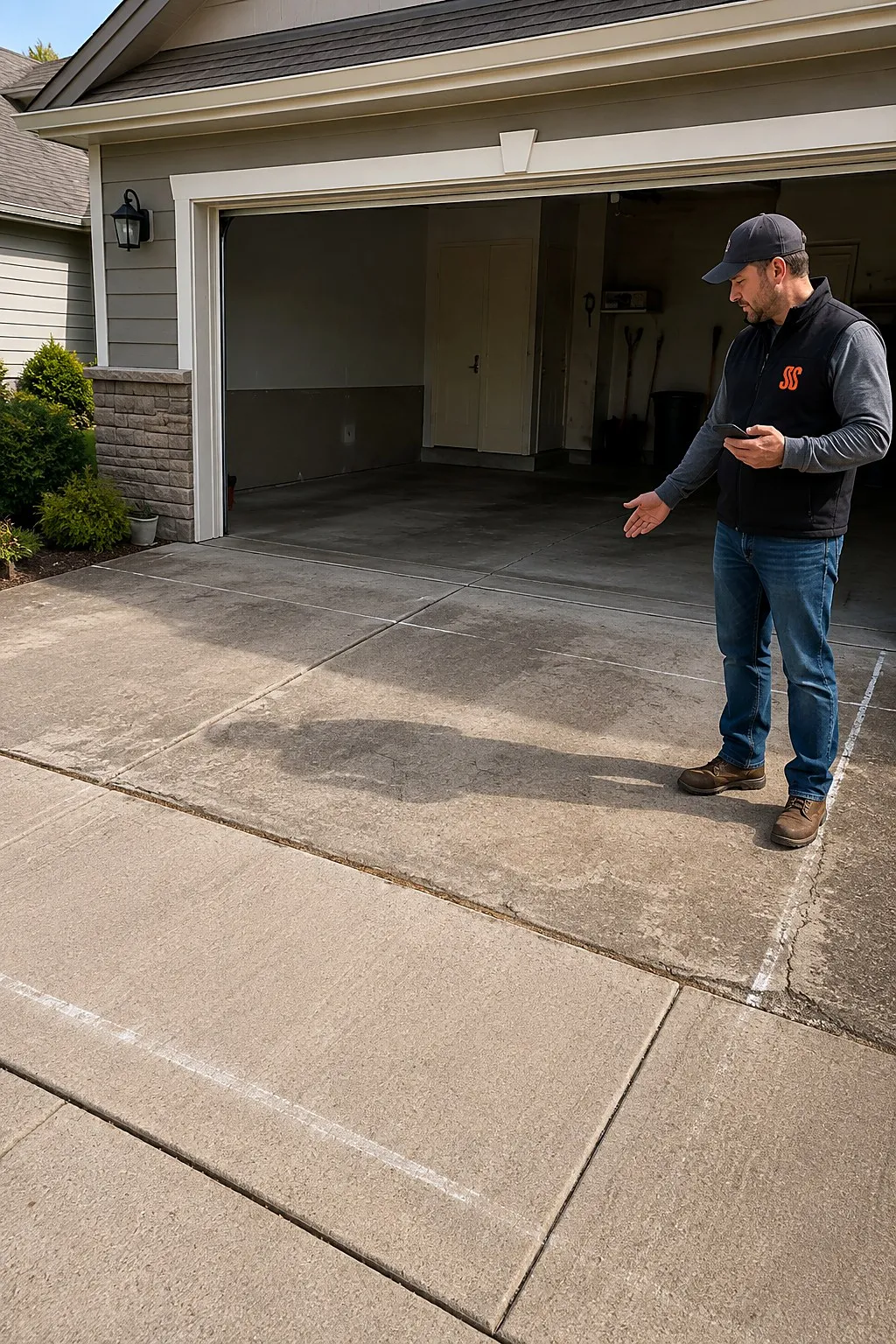
Garage slab and approach
“Twenty-four by twenty-four slab, four-inch with wire, thickened edges, plus a sixteen-foot broom-finish approach.”
A per-square-foot flatwork bid with base prep, concrete, finish, and saw cuts as separate lines — signed before the excavator showed up.
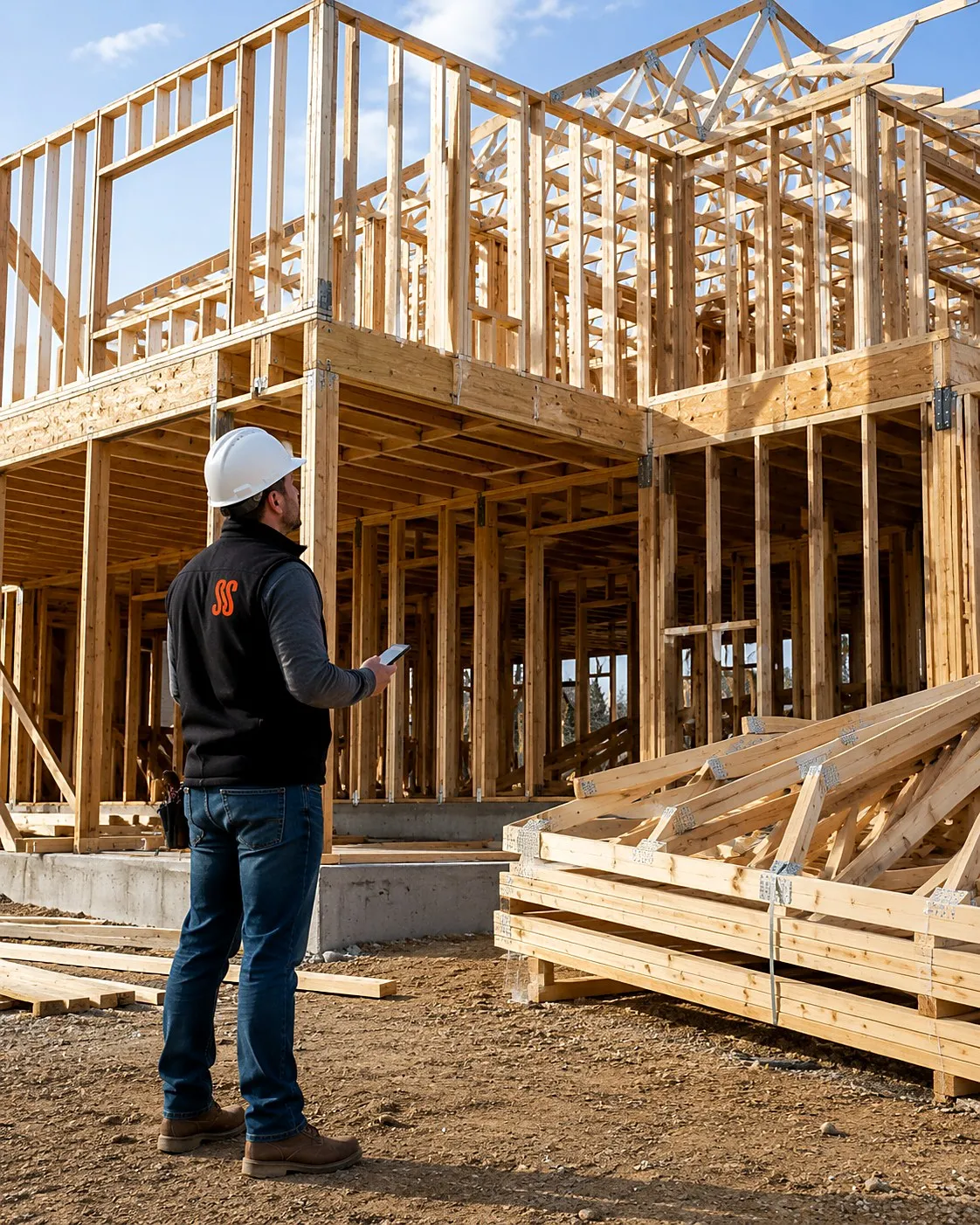
Framing package for a builder
“Twenty-two hundred square feet, two-story, trusses by others, we hang and set — labor and hardware only.”
A per-square framing bid split by floor system, walls, and roof set — formatted so the GC can drop it straight into his budget.
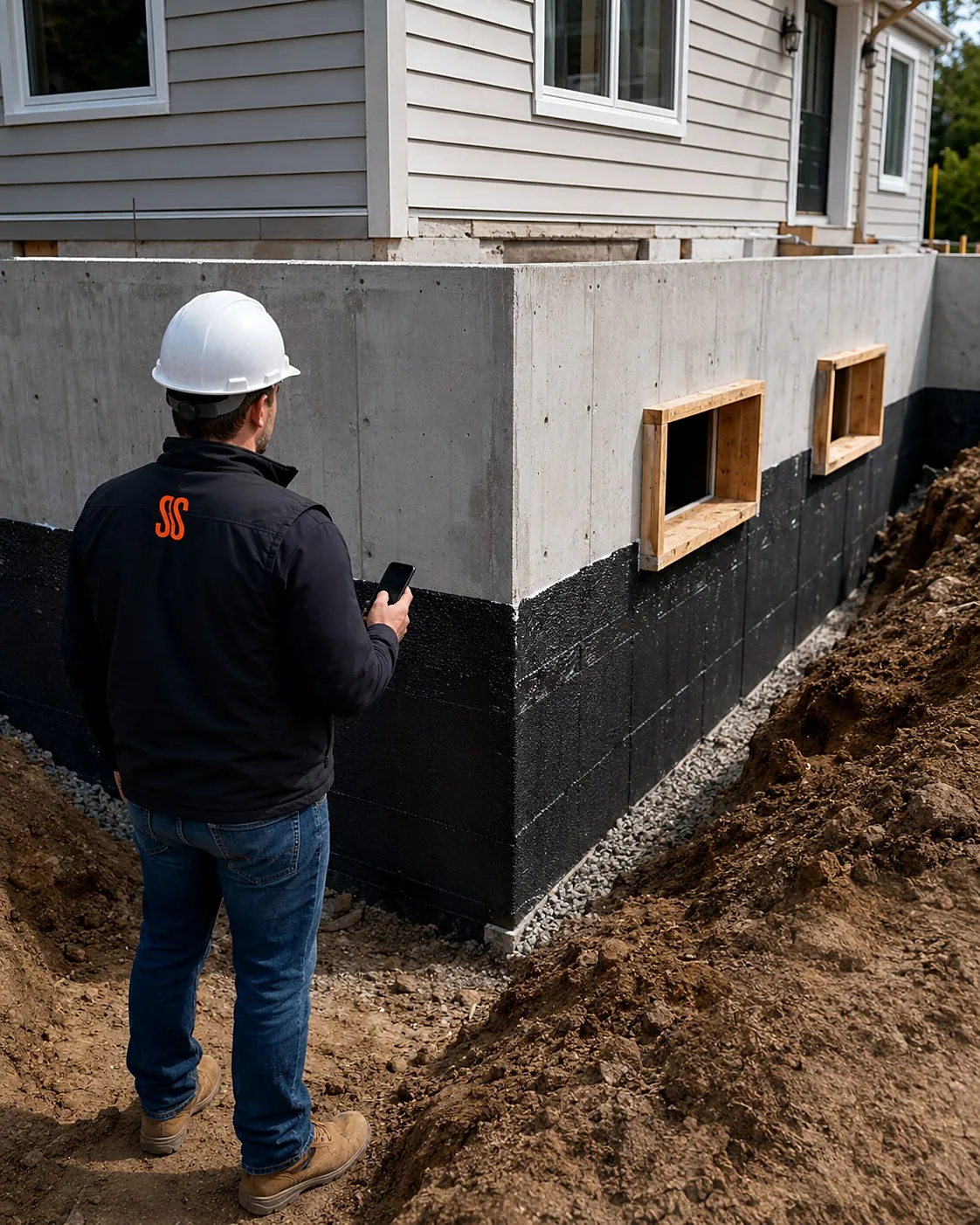
Foundation for an addition
“Thirty-two lineal feet of frost wall, footings, two window bucks, damp-proofing, and backfill.”
A per-phase bid — excavation, footings, walls, waterproofing — with a draw schedule attached for signature.
One bid, broken out the way you build
Price the dirt right
Excavation, grading, and prep priced per yard and per hour from photos of the actual access and conditions — no more eating a surprise.
Footings to framing
Concrete and framing phases live as separate signed line items, so a change in one doesn't reopen the whole contract.
Weather-tight, scope-tight
Sheathing, wrap, windows, and roof dry-in bid with allowances for the materials the owner hasn't picked yet.
Extras become change orders
When the owner adds a patio or moves a door, snap it, price it, and get the change order signed on the spot.
Get comfortable before you scope a real build.
Go to Settings, tap Add Sample Data, pick construction, and 100 realistic sample scopes fill your pipeline — kitchen remodels, detached garage builds, basement finishes, composite decks, bathroom gut-renos, home additions. Every sample carries tagged line items, a full activity trail, scope-of-work notes, and a financial breakdown with margin. Move them, misprice them, mark them lost — they're samples, so nothing real can break.
Site conditions, documented before you bid
Site Walk
Conditions, access, measurements — one walk
Narrate the site as you walk it, snapping timestamped, geotagged photos of conditions and access. AR tape and LiDAR room scans capture the measurements, and AI suggests priced line items after.
See Site Walk →
EyesOn
The PM walks it without leaving
Stream the site live so the PM sees conditions before mobilization. They follow on Command OPS while your hands stay free with Meta Glasses.
See EyesOn →
Straight answers for builders
Can I bid per square foot and per phase on the same job?
Yes — your cost book can hold square-foot rates, lineal-foot rates, yardage, and phase lump sums side by side. A single bid can price the slab per square foot and the excavation per phase, and the customer sees clean line items either way.
Does it work for sub bids to general contractors?
That's a big part of who uses it. The proposal is branded, line-itemed, and formatted so a GC can drop your numbers straight into a budget — and because it goes out the same day as the site walk, you're usually the first real number they see.
How do deposits and draw schedules work?
You set the deposit and draw points when you build the bid. The mobilization deposit gets paid at signing inside the app, and each phase draw is collected the same way — tracked against the contract so everyone can see what's been paid.
What does Smart Scope cost?
One subscription with everything included. See current plans on the pricing section of our home page, or download the app and take a look for yourself.
Does it work where there's no signal?
Capture doesn't need one. Site Walk notes, photos, form filling, and nameplate scanning all work offline — basements, crawlspaces, and dead zones included — and sync when you're back in coverage. AI drafting runs when you have a connection, so walk the job dark and let the estimate build on the drive out.
Is there an Android version?
Smart Scope runs on iPhone and iPad today; Android is on the roadmap. Your customers don't need the app at all — estimates, forms, and the portal open as web links on any device.
Does it replace my dispatch or routing software?
No — and it doesn't try. Smart Scope is the estimating layer: it wins the job, then syncs the scope straight to Smart Service, with webhooks to push your data anywhere else. Your dispatch board and routing stack stay right where they are.
Can my crew use it too?
It's built for the person doing the estimating, but it doesn't stop there — dispatch scopes to other users, put EyesOn live video in every tech's hand, and let the office follow along on Command OPS.
What does it cost to try?
Nothing — 45 days, full app, no credit card. When the trial ends you're never auto-charged; the app goes view-only until you decide, and your data stays yours to export.
Can it carry permits and licenses?
Your license rides on every branded PDF, and permit or inspection paperwork attaches as fillable PDF forms — answered on site and flattened into the bid packet.
Win the bid while the dirt's still fresh
Put your cost book in Smart Scope and send your next site-walk bid the same day. Download it on the App Store or text SCOPE to 59232.