
Walk the unit once. The turn bid writes itself.
Turns, make-readies, work orders, capital projects — portfolio work runs on fast, defensible numbers. Smart Scope turns your walkthrough photos and voice notes into a line-item bid priced from your own per-door and per-unit rates, ready to send before you leave the parking lot.
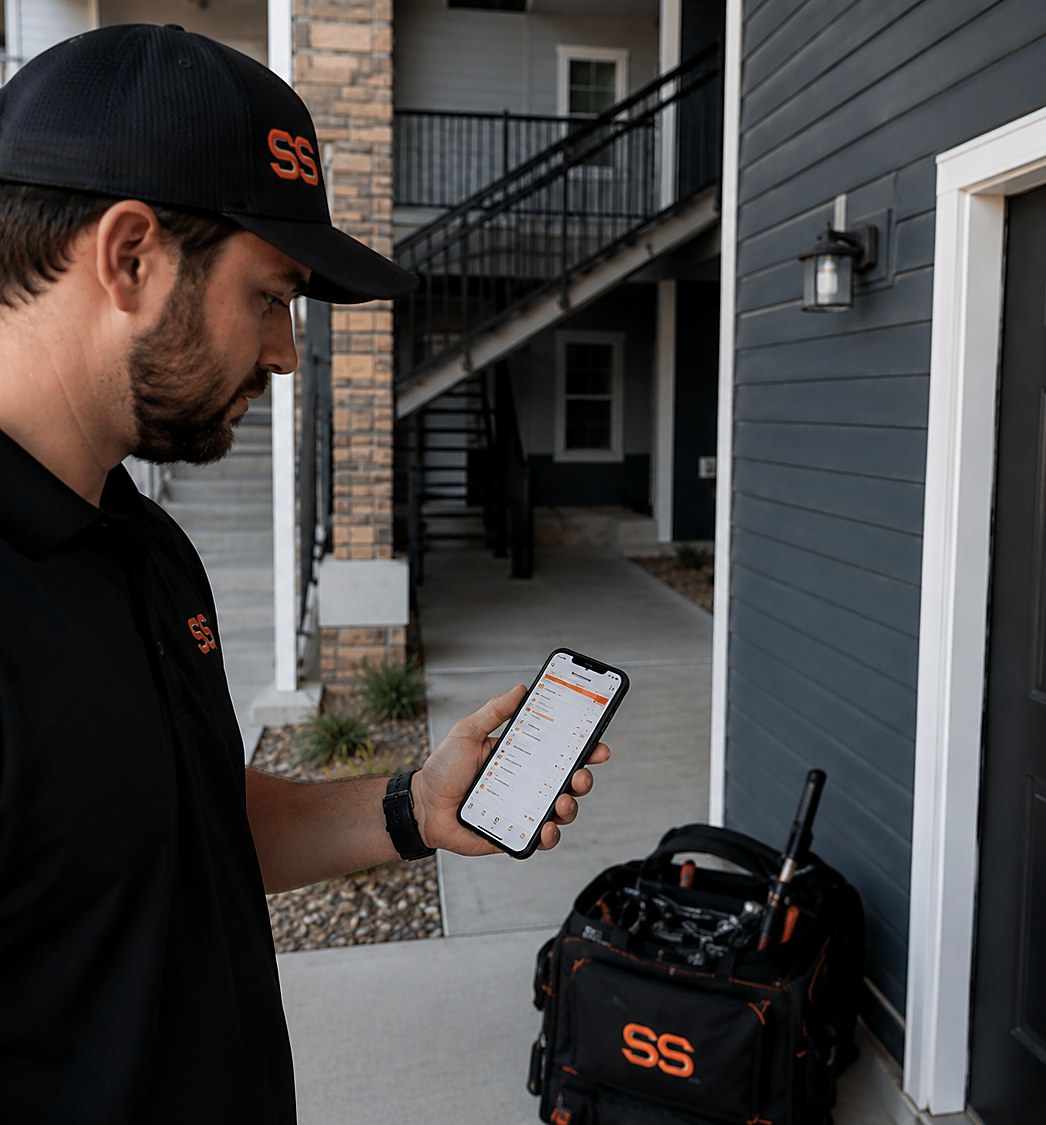
Six reasons portfolio work moves faster with Smart Scope
Photos become the scope
Shoot the unit as you walk — damaged blinds, stained carpet, patched drywall. The AI reads your photos and drafts a line item for every repair it sees, so nothing from the walkthrough gets lost on the drive back.
Your price book, your rates
Per-door pricing, flat per-turn rates by floor plan, unit-size multipliers, trip charges — Smart Scope prices every line from your own book, not regional averages that undercut your margins.
Talk the scope out loud
Say it as you see it: “two-bedroom turn, full repaint, replace the disposal, rekey both doors.” Your voice notes become priced line items by the time you're back at the truck.
Same-day bids win the portfolio
Owners and asset managers award work to whoever answers first with a real number. Send a professional line-item bid the same afternoon and you become the vendor they stop shopping around.
Approvals and deposits on the spot
The manager signs digitally from their phone and pays the deposit right in the app. No chasing a PO across three email threads before the make-ready crew can start.
Know your margin per door
Smart Scope tracks profit on every unit and every property. See which buildings pay and which turns bleed labor hours, so you renew the right contracts and reprice the wrong ones.
From walkthrough to signed work order in three steps
Walk the unit
Move through the unit with your phone out. Snap photos of every repair and talk through the scope room by room — paint, flooring, hardware, appliances, punch list.
AI drafts the bid
Smart Scope matches everything you shot and said against your price book and builds a line-item bid — per-door, per-room, or flat per-turn, however you price your work.
Send, sign, get paid
Text or email the bid to the owner or PM before you leave the property. They sign digitally from their phone and the deposit lands before your crew is even scheduled.
Three real walkthroughs, timed
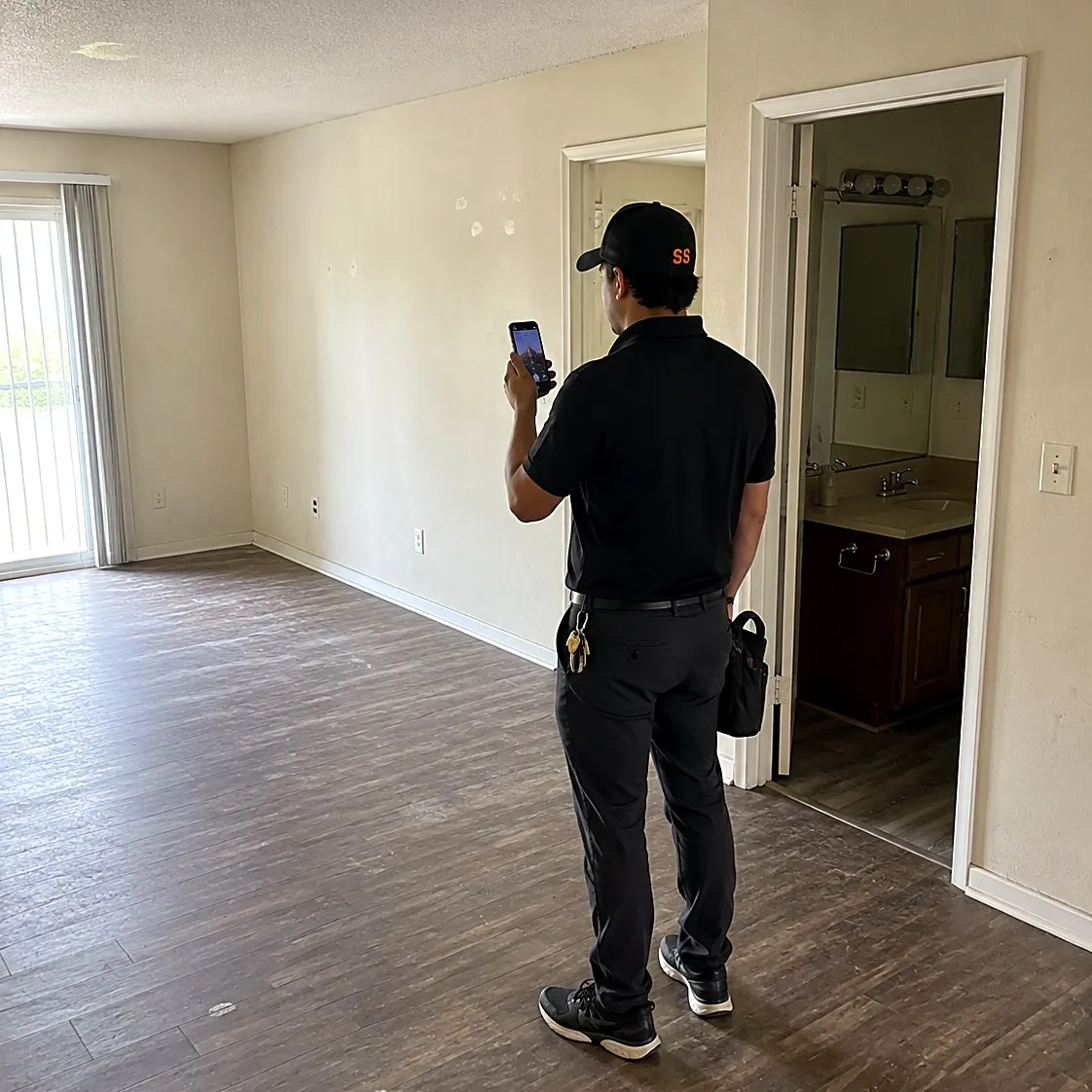
Two-bedroom turn
“Full repaint, new LVP in the living room, replace both bathroom vanity tops, rekey front and back, and a deep clean.”
A 14-line turn bid priced from your per-unit rates, with paint and flooring broken out by room — texted to the PM while you're still on site.
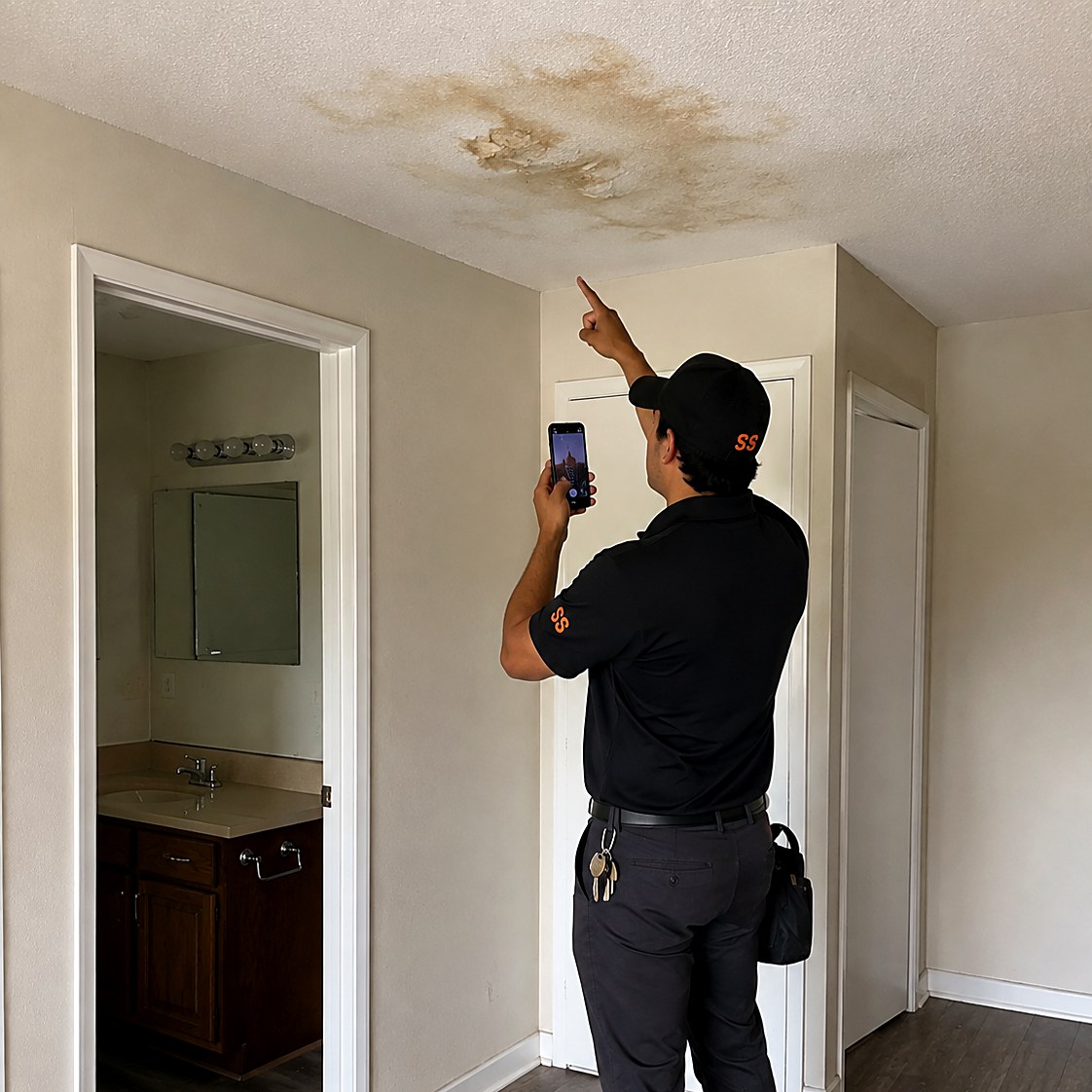
Water-damage work order
“Unit 204, ceiling stain under the upstairs bath — cut out the drywall, treat it, retexture, and repaint the whole ceiling.”
A scoped repair with demo, treatment, and finish as separate line items the owner can approve line by line — no surprise invoice later.
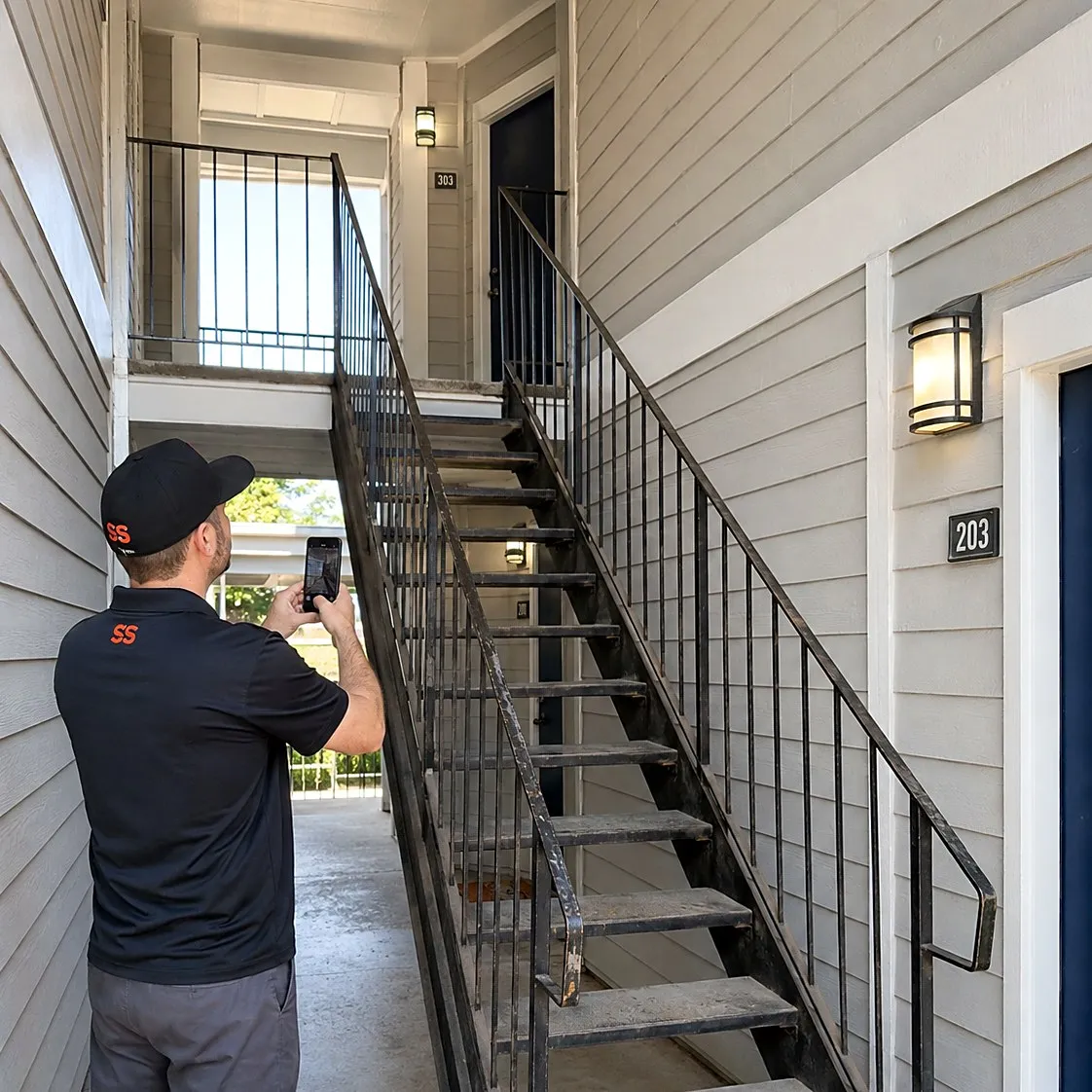
Common-area capital project
“Repaint all three stairwells, replace about 40 feet of handrail, and swap the entry lighting over to LED.”
A capital-project proposal with good-better-best options and an allowance for the handrail — ready for the owner or board to vote on.
Every job type a portfolio throws at you
Standard unit turns
Walk it once, bid it flat or by line item — and reuse the scope on the next identical floor plan instead of starting from zero.
One-off work orders
Small repairs scoped and priced on the spot, so a leaking disposal stops waiting a week for a number nobody wrote down.
Full make-readies
Paint, flooring, punch list, and clean rolled into one bid the PM approves with a single signature — deposit collected at signing.
Capital projects
Property-wide projects with allowances and good-better-best options, packaged for owner and board approval instead of a spreadsheet email.
Practice on sample work orders before tenants call.
Head to Settings, tap Add Sample Data, pick property management, and 100 realistic sample scopes appear — unit turnovers, water heater swaps, roof leak repairs, make-ready painting, common-area lighting retrofits, fence repairs. Each comes with tagged line items, a full activity trail, scope-of-work notes, and a financial breakdown with margin. Practice quoting, scheduling, and following up on all of it. They're all samples, so nothing real can break.
Unit turns documented, approved same day
Site Walk
The turn documented end to end
Walk the unit narrating every item — photos, measurements, notes — into one timestamped, geotagged timeline. AI suggests priced line items for the turn after.
See Site Walk →
EyesOn
Approval from the manager's desk
Walk the unit while the manager follows live on Command OPS. Approvals happen on the spot instead of after another site visit.
See EyesOn →
Property management questions, answered
Can Smart Scope price by the door or by the unit?
Yes — your price book is yours. Set flat per-turn rates by floor plan, per-door pricing, per-square-foot paint rates, or plain line items, and the AI uses those numbers on every bid it drafts.
Can I send bids straight to the property manager or owner?
Text or email the bid the moment it's drafted. The PM or owner signs digitally from their phone, and you can collect the deposit at signing instead of waiting on a PO cycle to clear.
Does it work across multiple properties and management companies?
Every bid is tracked per job, so you can see profit by unit, by building, and by management company. When renewal season comes, you know exactly which contracts are worth keeping and which need repricing.
What does Smart Scope cost?
One subscription with everything included. See current plans on the pricing section of our home page, or download the app and take a look for yourself.
Does it work where there's no signal?
Capture doesn't need one. Site Walk notes, photos, form filling, and nameplate scanning all work offline — basements, crawlspaces, and dead zones included — and sync when you're back in coverage. AI drafting runs when you have a connection, so walk the job dark and let the estimate build on the drive out.
Is there an Android version?
Smart Scope runs on iPhone and iPad today; Android is on the roadmap. Your customers don't need the app at all — estimates, forms, and the portal open as web links on any device.
Does it replace my dispatch or routing software?
No — and it doesn't try. Smart Scope is the estimating layer: it wins the job, then syncs the scope straight to Smart Service, with webhooks to push your data anywhere else. Your dispatch board and routing stack stay right where they are.
Can my crew use it too?
It's built for the person doing the estimating, but it doesn't stop there — dispatch scopes to other users, put EyesOn live video in every tech's hand, and let the office follow along on Command OPS.
What does it cost to try?
Nothing — 45 days, full app, no credit card. When the trial ends you're never auto-charged; the app goes view-only until you decide, and your data stays yours to export.
Can owners see the documentation?
Every scope produces a branded, itemized report with photos — the kind owners approve without a phone call. Send it as a link, and signatures and deposits land in the same thread.
Bid the next turn before you leave the property
Download Smart Scope on the App Store or text SCOPE to 59232 — and send the PM a real number the same day you walk the unit.