
Count the doors once. Quote it in the kitchen.
Photo the kitchen and Smart Scope counts doors and drawer fronts, prices veneer, new fronts, and hardware from your own book, and builds a signable refacing bid before you're out of the driveway.
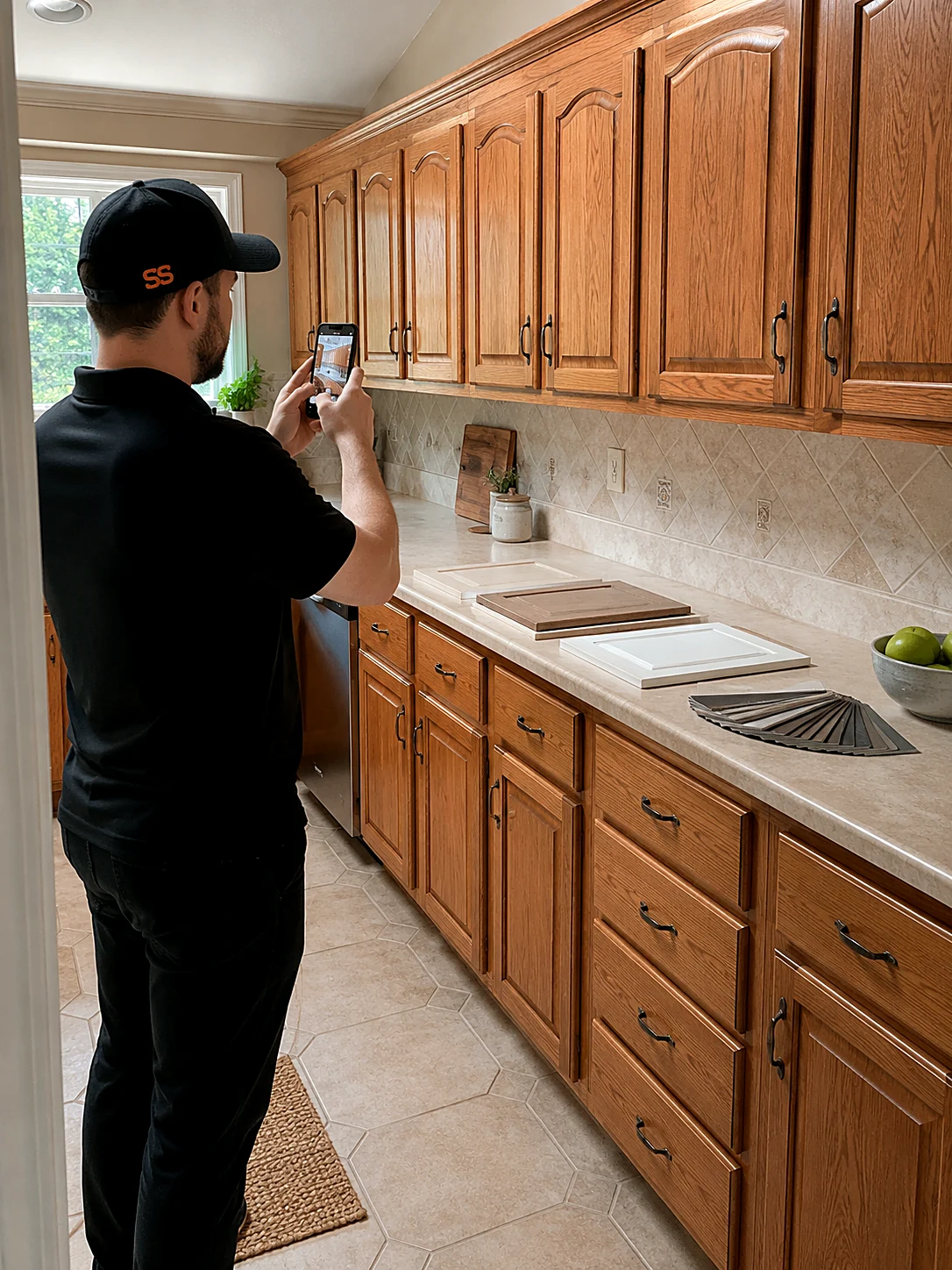
Six reasons refacers run on Smart Scope
Photos count the fronts
Snap each run of cabinets and the AI tallies doors, drawer fronts, and end panels into scope notes.
Your rates, your materials
Veneer, thermofoil, or solid wood — per-front pricing from your own price book, not national averages.
Say it, don't type it
Talk through soft-close hinges, crown, and under-cabinet lighting while you walk; it all lands as line items.
Reface, repaint, replace — one bid
Good-better-best puts all three options side by side so the customer picks without a second visit.
Deposits before the material order
Sign and collect the deposit on the spot, before a single front is ordered.
Margin per kitchen, not per guess
See cost, price, and margin on every line before you hit send.
From kitchen walkthrough to signed bid in three steps
Walk the kitchen
Photograph each cabinet run and talk through materials, hardware, and extras as you go.
AI drafts the bid
Doors, drawer fronts, panels, and hardware become priced line items from your own book.
Send, sign, get paid
Text the proposal, collect the signature and deposit, and schedule the install — same visit.
Three real kitchens, timed
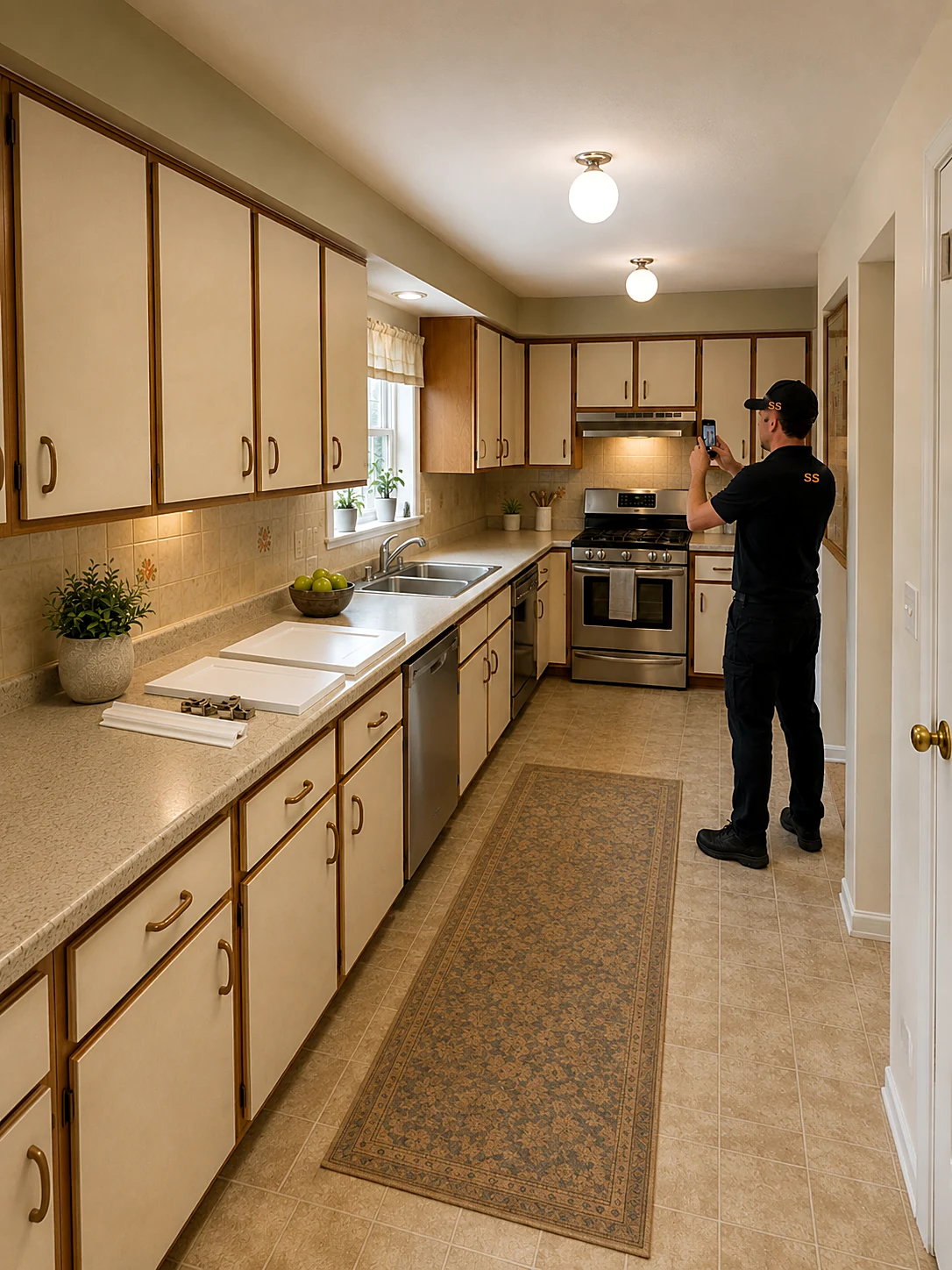
Full kitchen reface
“Twenty-two doors, nine drawer fronts, shaker profile in white thermofoil — new soft-close hinges throughout, crown on the uppers.”
A per-front itemized bid with hardware and crown as separate lines — ready before you leave the kitchen.
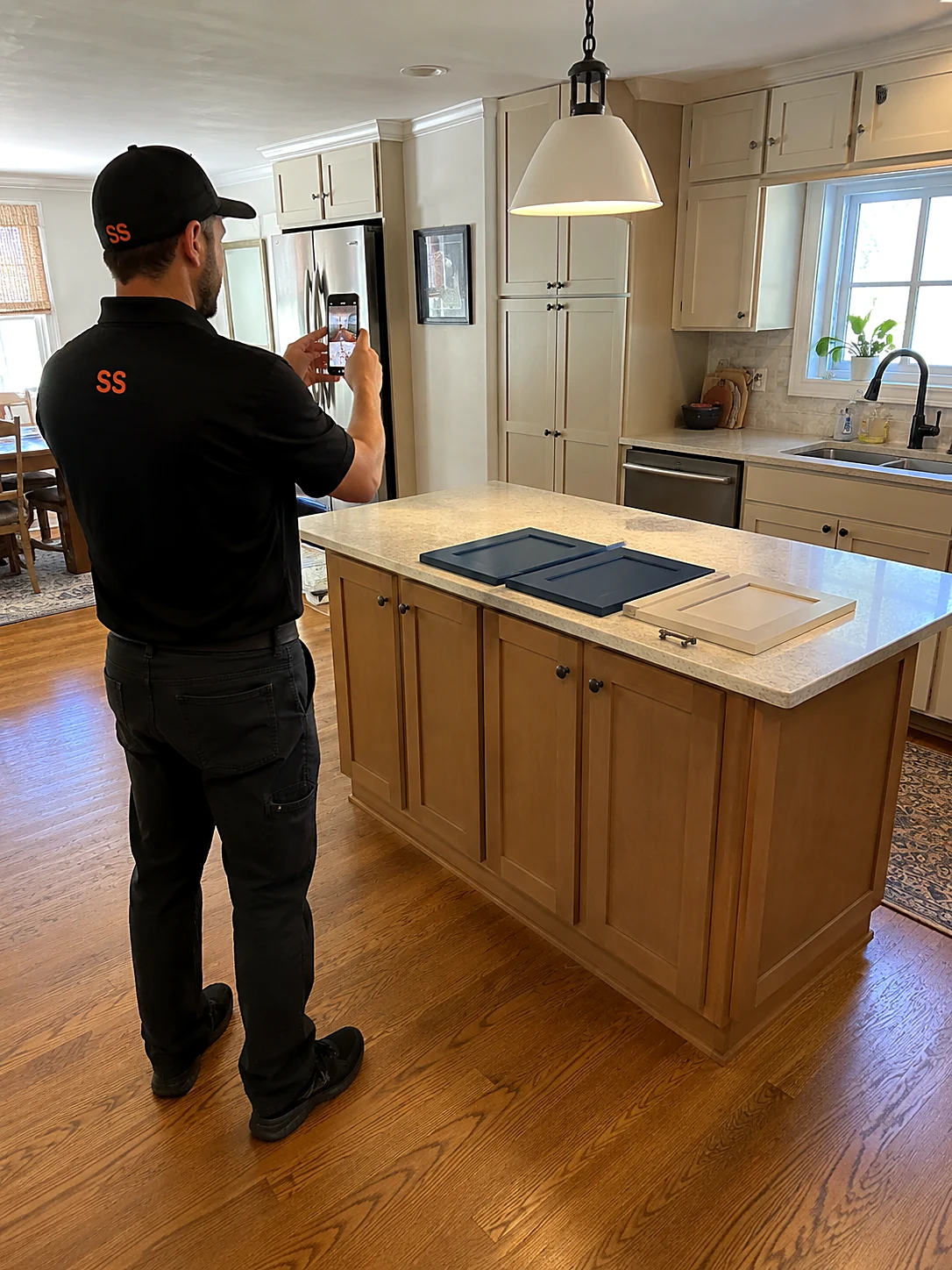
Island and pantry add-on
“Add the island — four doors and two end panels in the accent color — and reface the pantry to match.”
The add-on priced from the same book and appended to the proposal the customer already has.
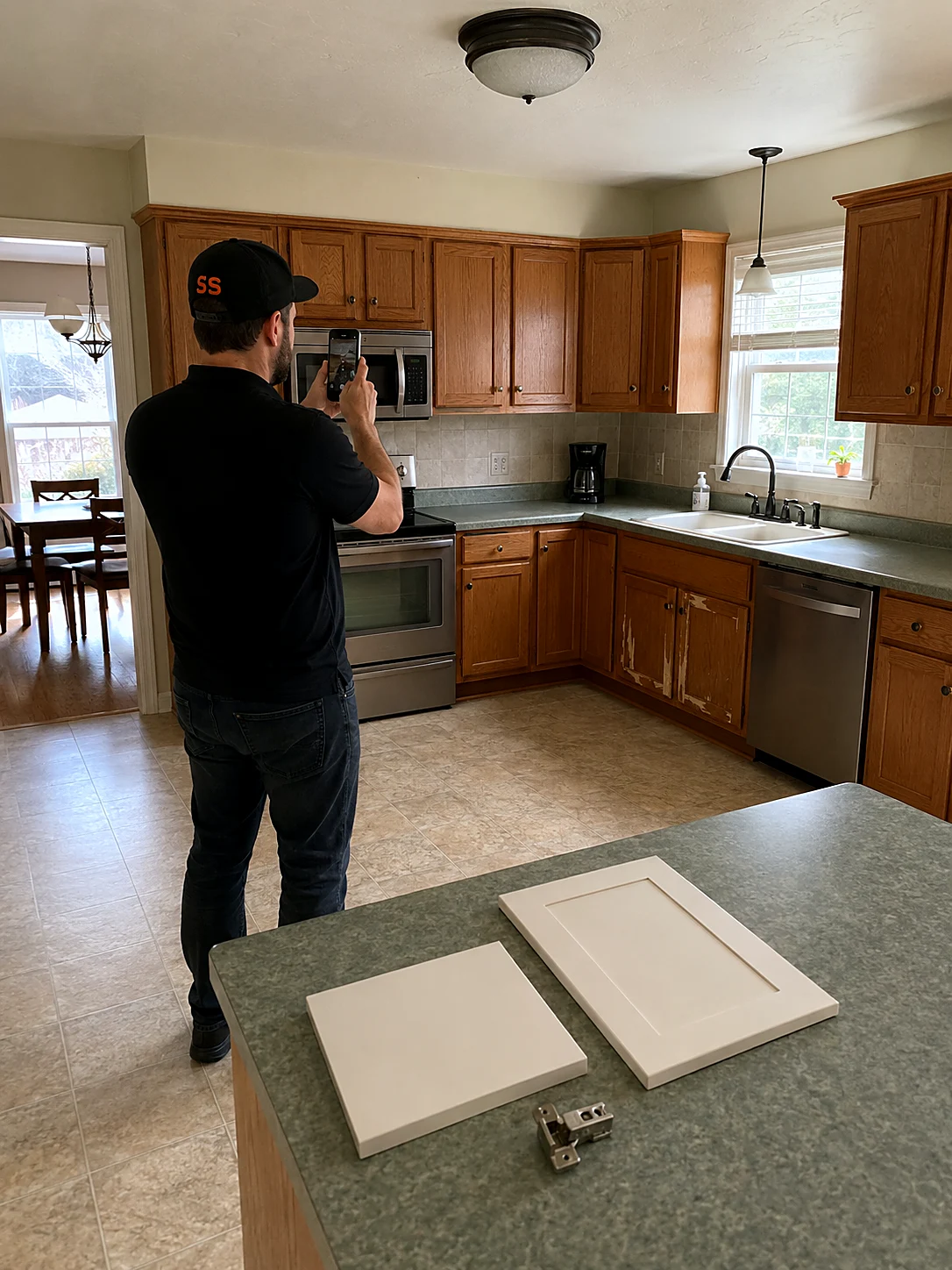
Reface-versus-replace decision
“She's torn — price the reface and a full box replacement so she can see them side by side.”
A good-better-best proposal with both options priced, signed the same visit.
One front count runs the whole job
Measure it
Photograph and number every cabinet run once. Door counts, sizes, and finish notes live on each line item from the first walkthrough.
Quote it
The bid prices every front from your book — veneer, thermofoil, or solid wood, material plus labor — and reaches the customer before the small talk ends.
Order it
Signed line items become your material order. Doors and drawer fronts get ordered against a paid deposit, not a verbal yes.
Install it
Install day runs off the same numbered list, and the job closes with margin tracked per kitchen for smarter quoting on the next one.
Learn the app on 100 sample kitchens first.
Browse 100 sample refacing jobs — full kitchen refaces, island and pantry add-ons, thermofoil and veneer projects, hardware swaps, and reface-versus-replace comparisons. Every scope includes tagged line items, an activity trail, and a financial breakdown with margin. Requote them, drag them between stages, delete them — real jobs stay untouched.
Two more ways to win the kitchen.
Cabinet refacing questions, answered
Can one bid show refacing next to full replacement?
Good-better-best is built in — the reface, a repaint, and a full box replacement can sit side by side on one proposal, priced from your own book, so the customer decides in the kitchen instead of over three visits.
Can it really count the fronts from photos?
Snap each run and the AI tallies doors, drawer fronts, and end panels into the scope, with your spoken sizes and notes attached to every line. The photo record rides with the material order, so what shows up matches the kitchen.
Can it match the customer's existing finish?
Every material and finish you offer lives in the same price book — veneer species, thermofoil colors, paint grades, door profiles — each with its own per-front rate, so matching an existing look is a line-item choice, not a re-quote.
What does Smart Scope cost?
One subscription with everything included. See current plans on the pricing section of our home page, or download the app and take a look for yourself.
Does it work where there's no signal?
Capture doesn't need one. Site Walk notes, photos, form filling, and nameplate scanning all work offline — basements, crawlspaces, and dead zones included — and sync when you're back in coverage. AI drafting runs when you have a connection, so walk the job dark and let the estimate build on the drive out.
Is there an Android version?
Smart Scope runs on iPhone and iPad today; Android is on the roadmap. Your customers don't need the app at all — estimates, forms, and the portal open as web links on any device.
Does it replace my dispatch or routing software?
No — and it doesn't try. Smart Scope is the estimating layer: it wins the job, then syncs the scope straight to Smart Service, with webhooks to push your data anywhere else. Your dispatch board and routing stack stay right where they are.
Can my crew use it too?
It's built for the person doing the estimating, but it doesn't stop there — dispatch scopes to other users, put EyesOn live video in every tech's hand, and let the office follow along on Command OPS.
What does it cost to try?
Nothing — 45 days, full app, no credit card. When the trial ends you're never auto-charged; the app goes view-only until you decide, and your data stays yours to export.
Can it capture door styles and hardware specs?
Photos capture each run, and scope notes hold door profiles, finishes, and hinge and pull specs — the details the material order depends on, attached to the job for good.
Quote the kitchen before the coffee's cold.
Get Smart Scope on the App Store or text SCOPE to 59232 — and turn the next kitchen walkthrough into a signed refacing order.